
Stay in the story.
Understand every word.
Turn your own videos into language practice. Follow two subtitle tracks, look up a word, and get an explanation without leaving the scene.
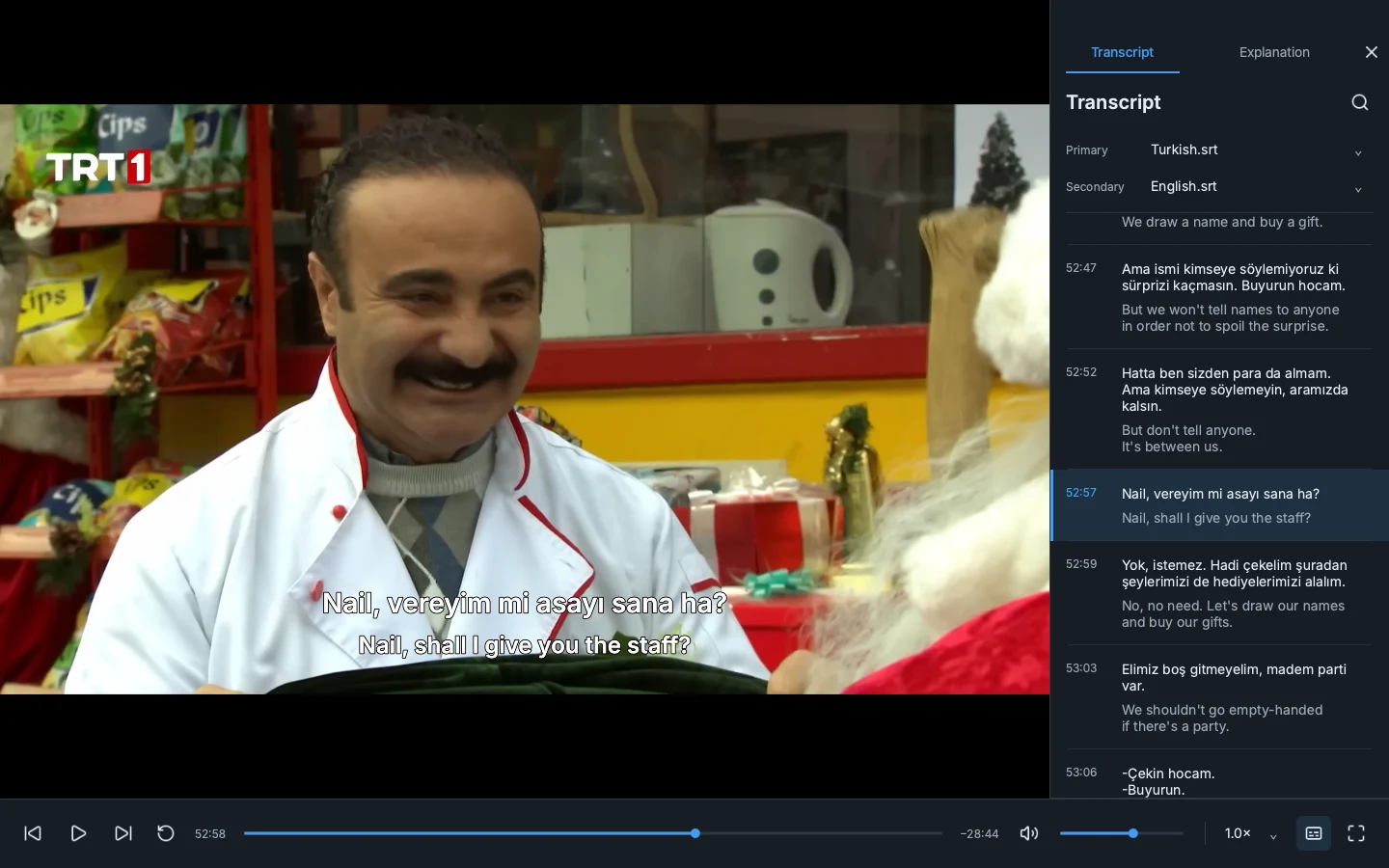
A new way to watch.
A natural way to learn.
Keep the scene in view. Find the meaning you need. Then press play.
- 01
Open a video
Bring a video and subtitles in the language you’re learning. Add a translation track if you like.
- 02
Follow your curiosity
Click a word for its meaning in context. Explain a line to see how the words fit together.
- 03
Make it stick
Replay the line, ask a follow-up, or save a flashcard. Pick up where you left off.
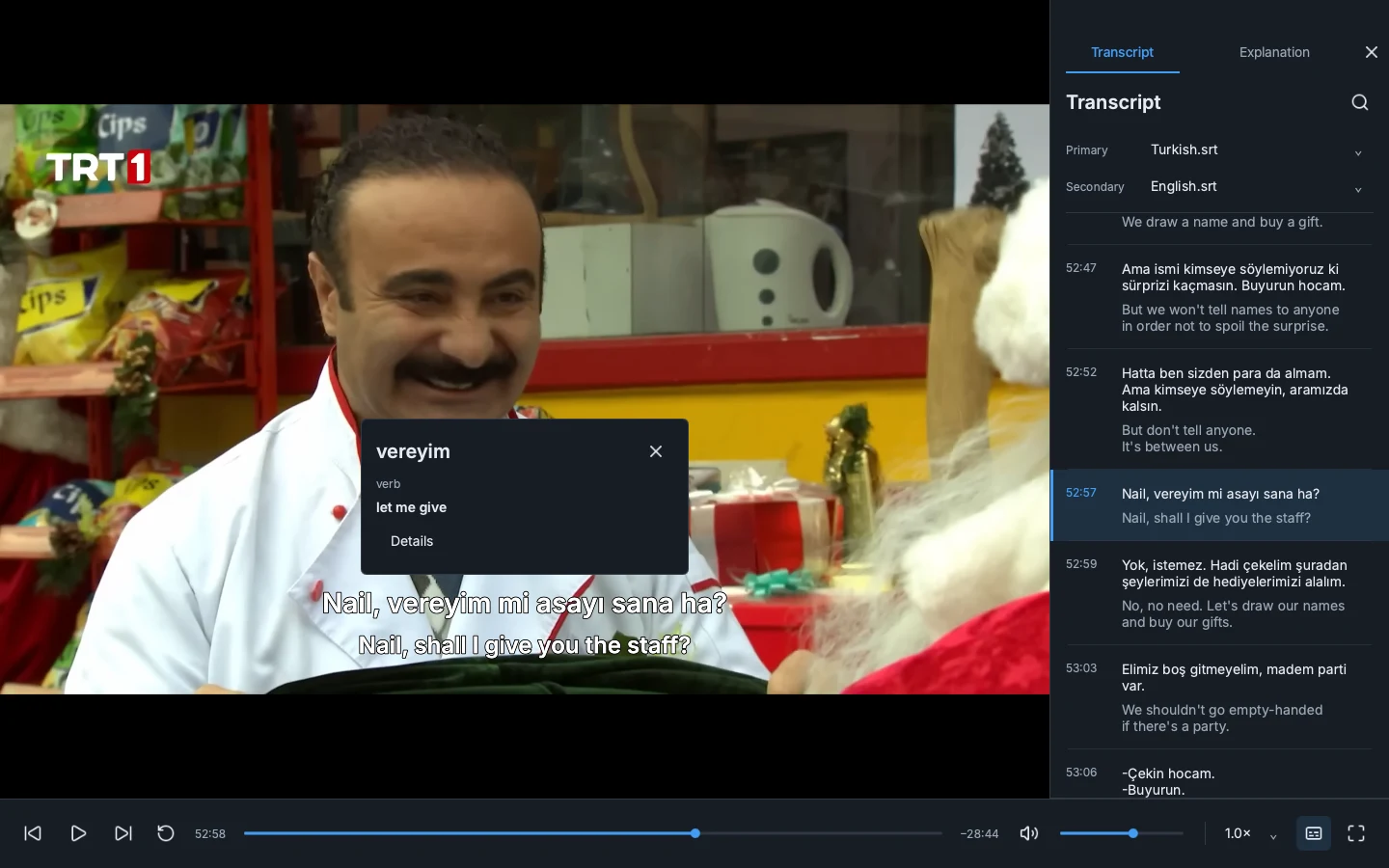
Two subtitle tracks
Searchable transcript
One-click line replay
Your choice of AI provider
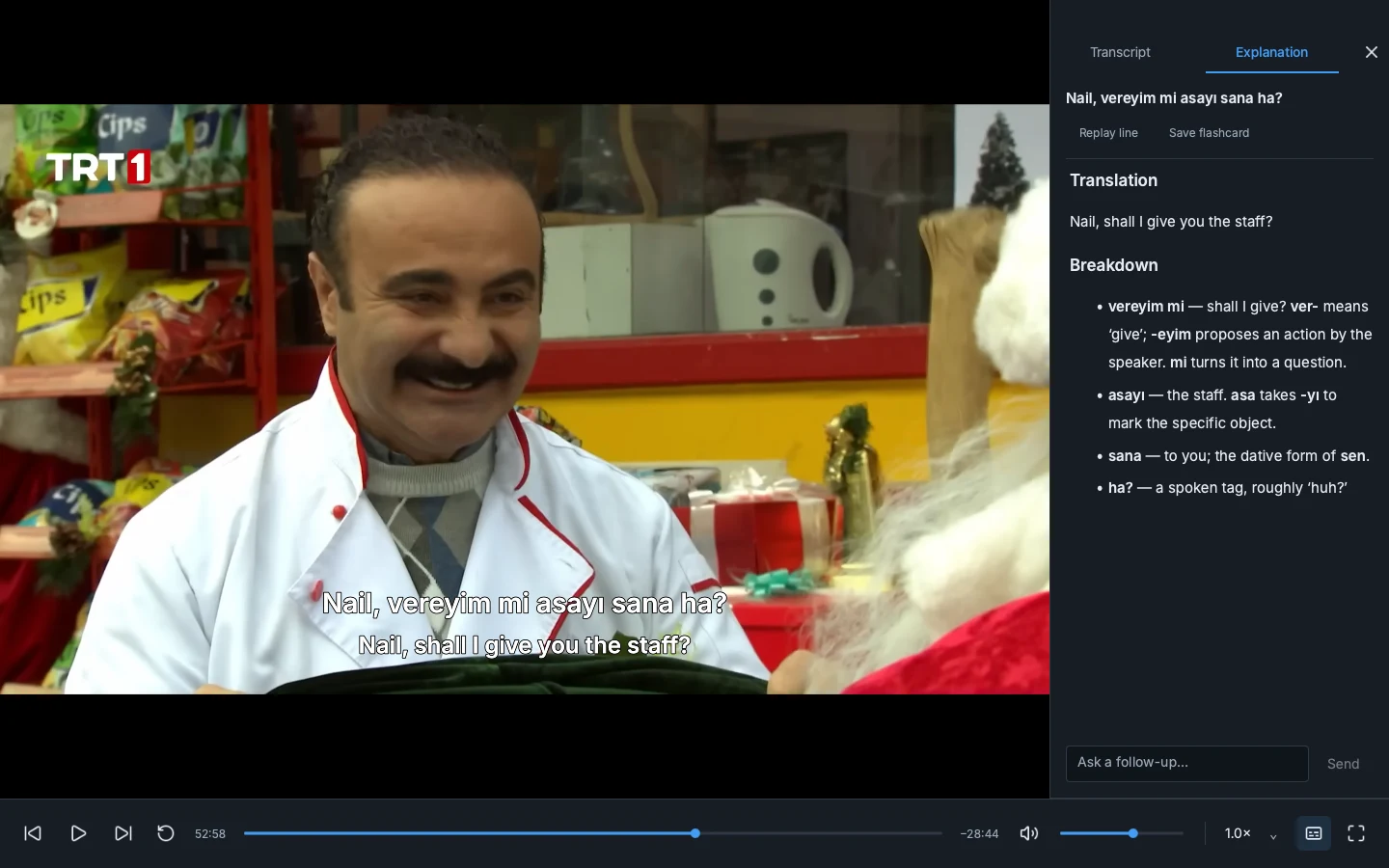
There’s more
behind the line.
Get a natural translation and a word-by-word breakdown. See how a phrase works, ask what you’re missing, and hear it again in the scene.
Start watching with NedenMake your next watch
mean a little more.
Free and open source. Bring your videos, subtitles, and curiosity.
Windows
Windows 10 / 11 · 64-bit
Download for WindowsExperimental preview · unsigned
Installation detailsA few things
to know.
Bring your own videos and subtitle files. Neden is a player, not a streaming service. You can load a subtitle track in the language you’re learning and a second track for translation.